Snap the receipt, let Parasyo write the rest
It takes over the most tedious part of manual entry: amount, date, merchant and VAT are read from the photo.
Why Parasyo stands out
One account, two spaces — your personal budget and (if any) your business in the same account, never mixed.
Home management with Home+ — shared wallet, expense splitting, chore wheel, family calendar. No rival has it.
Free forever — ParasyoFree is not a trial; no card required, no ads.
Receipt scanning included in free — amount, date, merchant and VAT from a photo.
CBRT rates + gold valuation — FX and gold portfolio in TL, updated daily.
Same data on web, iOS and Android — what you enter on your phone appears on your computer instantly.
9 languages — Turkish, English, German, French, Spanish, Dutch, Russian, Arabic, Azerbaijani.
Security — app lock (PIN/biometric), per-device sessions with remote sign-out, account-level data isolation.
How it works
Take a photo of the receipt or upload from your gallery. Parasyo processes the image and fills in the fields; you just confirm. The record is stored together with the receipt photo.
Which fields are read
Amount, date, merchant name and VAT are recognized automatically. A category is suggested; change it with one tap if you like.
Fixing misreads
Faded print or a crooked photo can cause misreads. Every field is editable on the confirmation screen; you have the final say before saving.
Attaching receipts and invoices to transactions
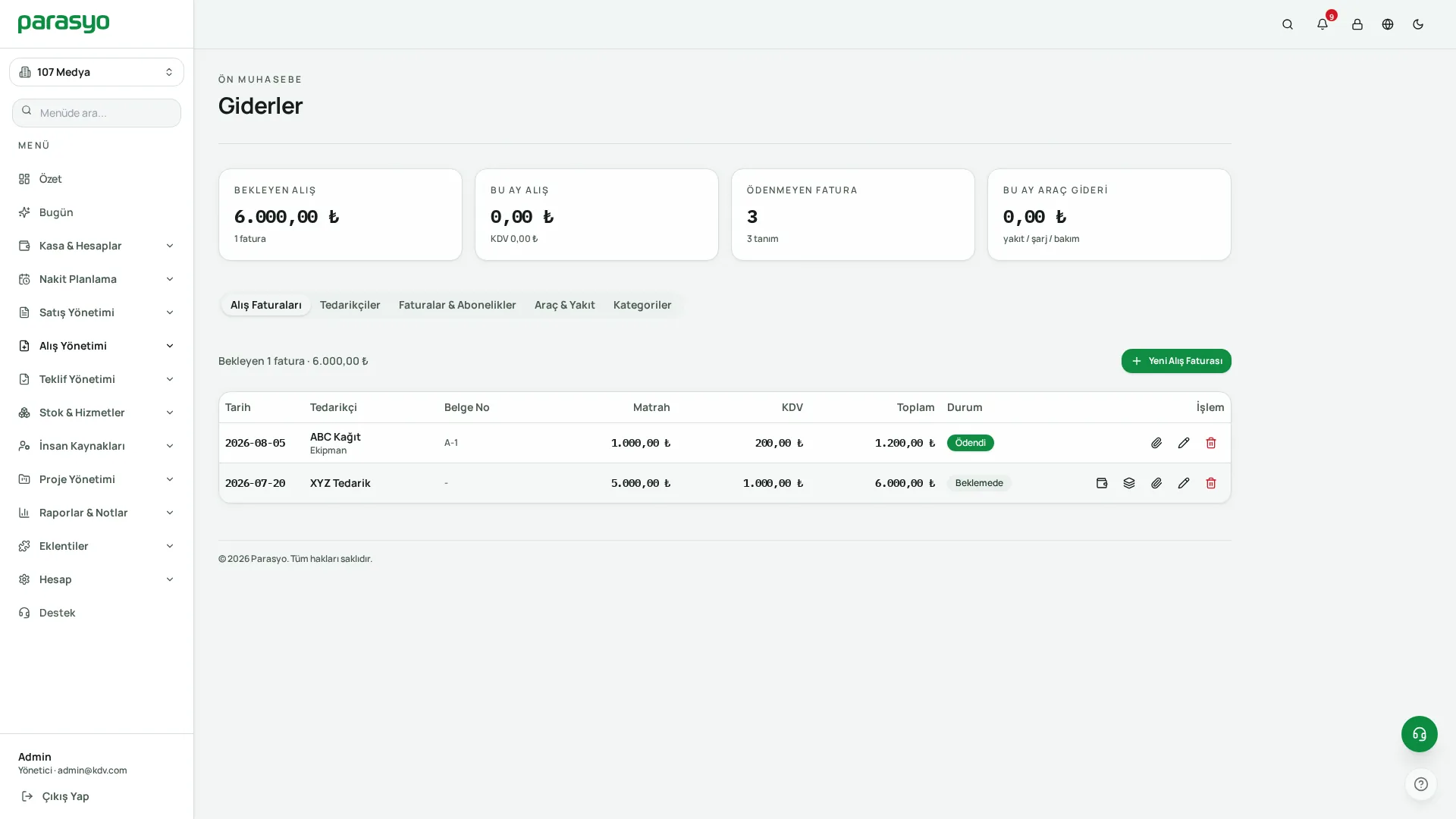
Attach files to any transaction: receipt photos, invoice PDFs, contracts. Months later, the answer to "what was this expense?" sits inside the record.
Keep exploring
 App Store
 Google Play
 AppGallery